Prices and availability checked 12 November 2026. HomeView launches 13 November 2026; delivery dates vary by retailer. Black Friday prices move daily — check the live price before you buy.
Bottom line for renters: the tabletop HomeView is the first Apple smart-home display that is genuinely renter-safe — nothing goes into a wall, and it moves with you. It is also a first-generation product with a beta voice assistant. Buy it for the screen and the hub, not for the Siri promises.
In this guide
- What is Apple HomeView?
- Tabletop vs wall-mounted: the renter comparison
- Does Spotify work on HomeView?
- What renters need before buying
- HomeView as a smart-home hub for renters
- The honest catches
- Who should buy it — and who should wait
- What to do on launch day
- The renter's checklist
- HomeView FAQ
- Sources & further reading
What is Apple HomeView?
HomeView is Apple's new 7-inch smart-home display, announced 13 October 2026. Think of it as a small, shared screen for the home: it shows your cameras, lights, locks and thermostats, plays music, makes FaceTime calls, and runs Siri AI. It is built to sit in a shared room — the kitchen counter, a hallway table, a bedside — and be used by everyone in the household.
The hardware, as Apple lists it:
- 7-inch Liquid Retina touchscreen
- A18 chip (the same class of chip as recent iPhones)
- 12MP Center Stage camera for FaceTime and video calls
- Face recognition for up to six people — each person gets their own personal Home Screen, with private access to their Messages, FaceTime, Calendar, Reminders and Find My when their paired iPhone or iPad is nearby and recently unlocked
- Smart-home hub built in — Matter controller and Thread border router, so it can run automations even when the screen is off
- Up to nine camera feeds on screen at once, plus Intercom
- Two models: tabletop (with speaker base) and wall-mounted, both $299 in the US (£299 in the UK)
- Four colours (space grey and silver among them)
It is not sold in the EU — Siri AI is not available there on iOS yet, and Apple says it is "working constructively with the EU" on the issue, with no date given.
Recreated illustration — the tabletop model on a kitchen counter
Recreated illustration: the tabletop HomeView sits on a counter and plugs in. Nothing goes into a wall, and it packs into a box on moving day.
Apple HomeView tabletop vs wall mounted: the renter comparison
This is the decision that matters, and the two models are not the same device wearing a different stand.
| Tabletop HomeView | Wall-mounted HomeView | |
|---|---|---|
| Price | $299 | $299 |
| Speakers | Two full-range drivers + down-firing woofer + dual force-cancelling passive radiators | Two full-range drivers only — no woofer, no passive radiators |
| What you need to install it | A flat surface and a power outlet | A compatible mount + power solution, sold separately |
| Mount/power availability | In the box | Apple's AC Wired and PoE Wired mount options show as unavailable to order; the PoE mount is not expected until early 2027 |
| Renter-safe? | Yes — sits on a counter, moves with you | No — it is designed for permanent placement |
| Best for | Renters, small homes, anyone who might move | Homeowners doing a fixed install |
The verdict is simple: renters should buy the tabletop model. It has the better speaker system, it works the moment you plug it in, and when your lease ends it goes in a box with your other gear. The wall-mounted model is the same $299 for less sound and a mounting bill on top — and the mounts you would need are not reliably in stock at launch.
One more practical note: delivery estimates have already started slipping past launch day for some orders, so if you want it for the weekend, check the delivery date at checkout rather than assuming Friday arrival. Walmart lists it at $289.99, a small saving over Apple's $299.
Recreated illustration — tabletop vs wall-mounted for renters
✓ Tabletop — the renter pick
- $299, everything in the box — plug in, done
- Better speakers: woofer + dual passive radiators
- Moves with you on moving day
✕ Wall-mounted — skip it in a rental
- $299, plus mount + power sold separately
- Weaker speakers: no woofer, no passive radiators
- Mounts partly unavailable at launch
Does Spotify work on HomeView? The no-App-Store question
This is the question every Apple renter will ask before spending $299, so here is the straight answer.
HomeView has no App Store. You cannot download apps onto it the way you can on an iPhone or iPad. The built-in apps are Apple's own: Apple Music, FaceTime, Photos, Calendar, Reminders, and the Home app.
Spotify does work — indirectly. HomeView can automatically mirror CarPlay-enabled audio and video apps from a nearby, paired iPhone, with no modifications needed from the app developer. A developer demonstration showed Spotify running on HomeView through this mirroring. So your Spotify, and other CarPlay-compatible apps, appear on the display because your iPhone is nearby — not because they are installed on HomeView.
What that means in practice:
- Your iPhone has to be nearby for Spotify and other mirrored apps to work. Walk out with your phone and the music app goes with it.
- Apple Music works natively, without your phone in the room.
- If you are a Spotify household, this is a workaround, not a feature. It works, but it is not the same as having Spotify installed.
- No third-party smart-home apps either — control runs through Apple Home and Matter accessories, not through a Ring or Ecobee app on the display.
If your home runs on Spotify and you want a display that plays it independently, a cheaper Echo Show 5 or Google's smart displays handle third-party music more directly. HomeView is for the household that is already all-in on Apple Music and Apple Home.
What renters need before buying
HomeView is not a standalone device. Apple's own requirements are specific, and they are the difference between a $299 display and a $299 paperweight:
- An iPhone running iOS 27.2 or later, or an iPad running iPadOS 27.2 or later. This is a hard requirement, not a recommendation.
- Wi-Fi internet access. HomeView is a connected display; it does nothing useful offline.
- An Apple Account and membership in a shared Home. Each of the up to six recognised people needs a paired, compatible iPhone or iPad for the full personalised experience.
- A recent Apple Intelligence-capable iPhone or iPad for the advanced Siri features: personal-context Siri (reading your Messages, Calendar and app data), video summaries, natural-language search of your camera footage, and custom Siri voices.
That last point is the one to be honest about. The basic Siri AI — conversation and music discovery — works without a newer device. The features Apple is actually selling in its launch marketing mostly need one.
Siri AI is a beta
Apple lists Siri AI on HomeView as a beta, running on HomeView software 27.2, and it is English-only at launch across the eight launch countries (US, UK, Canada, Australia, New Zealand, India, Singapore, South Africa). Canadian French is promised in a later update. If you have ever been burned by a first-generation voice assistant, wait for the first real-world reviews before judging this one.
HomeView as a smart-home hub for renters
Here is the part that matters most for NestNook readers: HomeView is registered by Apple as a home hub. That means it can run background smart-home automations — Matter and Thread accessories, scenes, camera recording — even when the screen is off or nobody is in the room.
For a renter, that is genuinely useful. Until this autumn, a renter who wanted Matter-over-Thread devices needed a separate hub or a speaker that happened to include one. Now the hub can be a screen on the kitchen counter:
- The 2026 Echo Dot ($99.99) is Amazon's version: Zigbee, Matter and Thread hub, plus a built-in eero Wi-Fi extender rated up to 1,000 sq ft.
- The Google Home Speaker ($79.99 on sale until 2 Dec 2026) is Google's version: Matter and Thread border router with Gemini for Home.
- The HomePod mini 2 ($149, shipping since 30 Oct 2026) is Apple's speaker version: Thread hub and Apple home hub.
- HomeView ($299) is Apple's screen version — the hub plus a display, camera and speakers in one plug-in box.
If you already own a HomePod mini 2 or an Apple TV 4K, you already have an Apple home hub, and HomeView adds a screen rather than a new capability. If you own nothing, HomeView is the most expensive way to get a hub — but the only one with a screen.
It also works with the Apple Home Collection arriving from December in North America: a Matter lock, thermostats and sensors plus four HomeKit cameras from LG and Schneider, with tap-to-pair NFC setup and a Thread control path that keeps accessories reachable when Wi-Fi drops. Every device in that collection runs on Thread — and because wall-powered Thread devices act as router nodes, each one strengthens the mesh. That is a December story; for now, know that HomeView is the hub those devices are designed around.
Recreated illustration — the four plug-in hubs, November 2026
Recreated illustration: four plug-in hubs, all renter-safe. Prices seen 12 November 2026.
The honest catches
A launch-day guide that only lists the good parts is an advert. Here are the catches, stated plainly:
- $299 is a lot for a first-generation display. The HomePod mini 2 is $149, the Echo Dot 2026 is $99.99, and the Google Home Speaker is $79.99 on sale. You are paying roughly $150–$200 for the screen and the camera.
- No App Store. Third-party apps only arrive by mirroring from your iPhone. If that changes, it will be in a software update Apple has not announced.
- Siri AI is a beta, English-only. The most-marketed feature is the least proven one.
- No independent reviews exist yet. Audio quality, Siri responsiveness, camera behaviour and everyday usability have not been independently evaluated. A definitive hands-on verdict has to wait until the device reaches buyers.
- The wall-mounted model is a trap for renters. Same price, weaker speakers, mounts sold separately and partly unavailable. Do not buy it by accident — the two models look similar in a listing.
- It is not sold in the EU, and personal-context Siri needs a recent Apple Intelligence-capable iPhone or iPad.
- It locks you further into Apple. If your household is split between iPhone and Android, or between Alexa and Google, a $299 Apple-only display is the wrong hub to build around.
Who should buy it on launch day — and who should wait
Buy the tabletop HomeView on 13 November if:
- You already live in Apple Home, with an iPhone on iOS 27.2 and Matter or HomeKit accessories
- You want a shared kitchen or hallway screen that stays private per person — up to six people, each with their own Home Screen
- You want a hub and a display in one plug-in box, with nothing screwed into a wall
- You use Apple Music more than Spotify
Wait if:
- You need Spotify (or another third-party app) to work without your phone in the room
- You want to see a real review of Siri AI before spending $299
- You already own a HomePod mini 2 or Apple TV 4K — you already have the hub, and HomeView only adds the screen
- You are not sure you will stay in Apple's ecosystem — a $99.99 Echo Dot or $79.99 Google Home Speaker is a cheaper hub to experiment with
- You were considering the wall-mounted model — wait until the mounts are actually available, and re-check the price
Skip it entirely if: you do not own a recent iPhone. The setup requirement is absolute.
What to do on launch day
- Decide the model first. Tabletop, space grey or silver. Do not order the wall-mounted model unless you own your home and have a mount in hand.
- Check the delivery date at checkout. Estimates are already slipping past 13 November for some orders; Walmart lists it at $289.99 if Apple's date slips.
- Update your iPhone to iOS 27.2 before the box arrives — setup requires it.
- Put it where the household actually gathers. Kitchen counter or hallway table, near an outlet, with the camera facing the room. That is the whole point of a shared display.
- Set up face recognition for everyone in the household (up to six people) so each person gets their own Home Screen — and so your flatmate's messages stay private.
- Pair your Matter accessories first, then your routines. The hub is the long-term value; the screen is the launch-day novelty.
The renter's checklist (print this)
- iPhone on iOS 27.2+ (or iPad on iPadOS 27.2+) — required Setup will not start without it.
- Tabletop model, not wall-mounted — the renter pick Same $299, better speakers, nothing in the wall.
- A free outlet on a counter or table where people gather Kitchen counter or hallway table, camera facing the room.
- Apple Music, or acceptance that Spotify needs your phone nearby Mirroring only works while your iPhone is in the room.
- Realistic expectations about Siri AI — it is a beta English-only at launch; wait for real reviews before judging it.
- Delivery date confirmed at checkout (not assumed to be 13 Nov) Estimates are already slipping; Walmart lists $289.99.
- A plan for move-out day: unplug it, pack it, take it with you Nothing to unscrew, nothing to repair.
HomeView FAQ
Should renters buy the tabletop or wall-mounted Apple HomeView?
Renters should buy the tabletop model. It costs the same $299, has better speakers (two full-range drivers plus a down-firing woofer and dual passive radiators), and needs only a flat surface and a power outlet. The wall-mounted model needs a mount and power solution sold separately, some of which are unavailable at launch.
Does Spotify work on Apple HomeView?
Yes, but only by mirroring from a nearby paired iPhone. HomeView has no App Store; it mirrors CarPlay-enabled apps from your iPhone. Apple Music works natively without your phone in the room.
When does Apple HomeView launch?
Apple HomeView launches Friday 13 November 2026 for $299 in the US, UK, Canada, Australia, New Zealand, India, Singapore and South Africa. It is not sold in the EU.
Do I need an iPhone to use Apple HomeView?
Yes. Setup requires an iPhone running iOS 27.2 or later, or an iPad running iPadOS 27.2 or later, plus Wi-Fi and an Apple Account. Advanced Siri AI features need a recent Apple Intelligence-capable iPhone or iPad.
Sources & further reading
Every price and claim in this guide is linked to its source below. Prices and availability were checked on 12 November 2026 and move daily — check the current price before you buy.
- Apple Newsroom — "Meet Apple HomeView" (13 October 2026) — announcement, specs, $299 pricing
- MacRumors — "Here's What Spotify Looks Like on Apple's HomeView" (2 November 2026) — no App Store, CarPlay mirroring
- MacRumors — "Apple Launching Two More New Products This Friday" (9 November 2026) — 13 Nov launch, $299, HomePod mini 2 shipped 30 Oct
- The Apple Post — "Apple Has Another Product Launch on November 13" (5 November 2026) — delivery estimates slipping past launch day
- Skimwire — "Apple HomeView and Apple TV 4K arrive Nov. 13" (7 November 2026) — $289.99 at Walmart, pre-order status
- TechGenyz — "Apple HomeView at ₹39,900: Is It Worth Buying in India?" — tabletop vs wall-mounted speakers, renter flexibility, no independent hands-on verdict yet
- DopamineKart — "Apple HomeView FAQ" — six-person recognition, Siri AI beta, English-only at launch, eight launch countries
- Smart Home Field Guide — "The late-October 2026 smart home week" (1 November 2026) — Echo Dot 2026 hub + eero extender, HomePod mini 2, Apple Home Collection December
- Matter Alpha — "Amazon's new Echo range takes on HomePod mini 2" (2 November 2026) — Echo Show 16 ad-supported display, Matter/Thread/Zigbee
- IoT For All newsletter — "Matter ended one smart home war. Now the next one begins" (5 November 2026) — Matter 1.6, Joint Fabric, Apple Home Collection NFC tap-to-pair
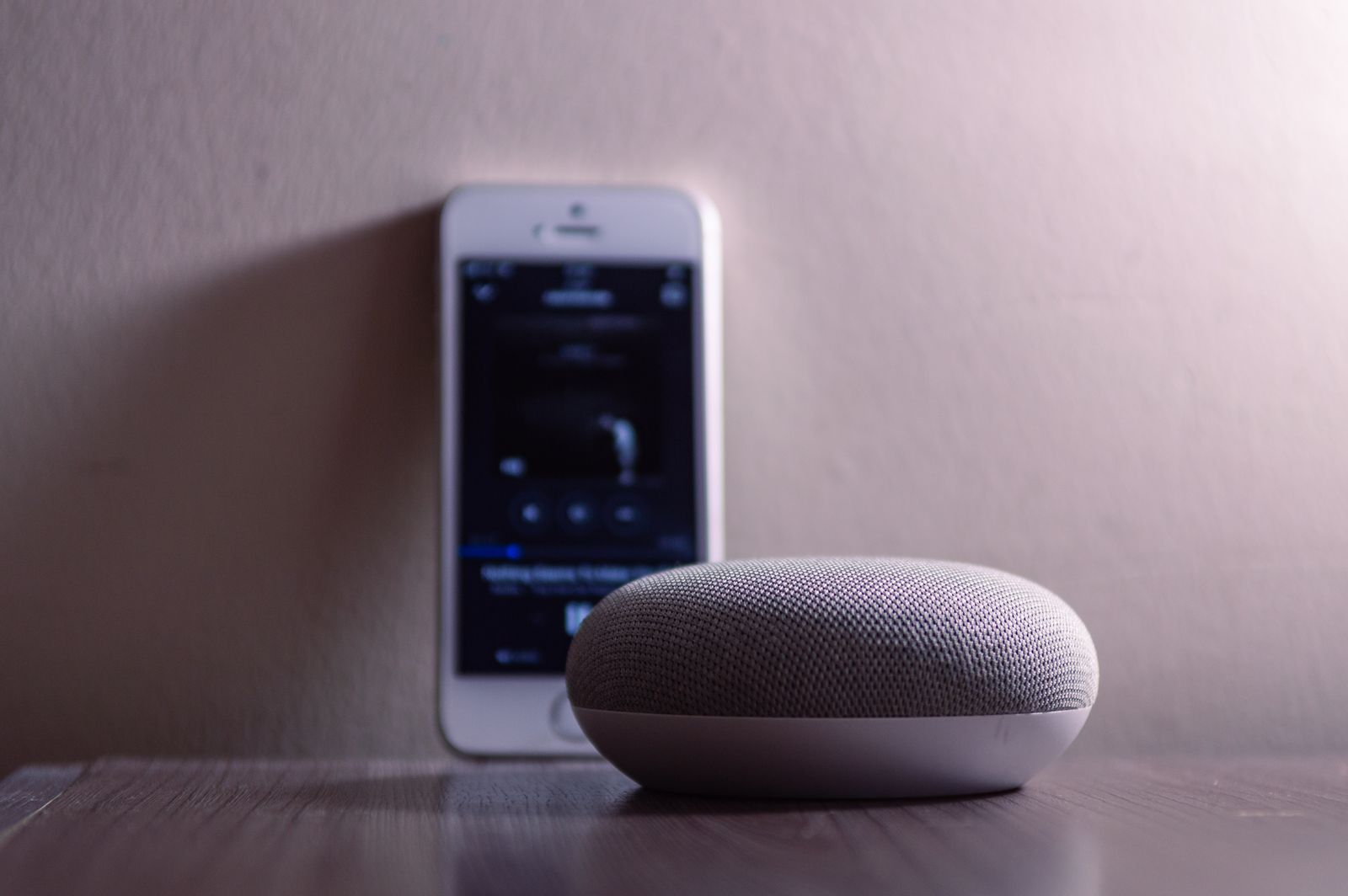
- Photo: Pexels (free licence, no attribution required) — iPhone and smart speaker photo by Caio. The photo is labelled illustrative in its caption; it is not a photo of HomeView.
Related NestNook guides
The 108 NestNook guides live on the homepage — each opens as a full article from the guide library. These are the guides this post pairs with:
- Do You Need a Hub? Matter & Thread — updated for the November 2026 launches; your speaker probably is the hub now.
- Apple HomeView vs Echo Dot 2026 vs Google Home Speaker: The Best Smart Home Hub for Renters (November 2026) — one hub per ecosystem, all plug-in, no drilling.
- Alexa vs Google Home for Renters — the ecosystem choice that decides which hub to buy.
- Remove Smart Devices, Move Out, No Damage — the renter promise: everything you install should come with you.
- Best Video Doorbells for Apartments (Black Friday 2026) — battery doorbells, no wiring, no drilling.
- Best Smart Bulbs, No Hub, for Apartments — the same plug-in logic, for light.